
ai / agents
An agent is a software program that runs tools in a loop to achieve a goal.
I state the goal. The agent runs tools such as web search and file edits, reads the results, and continues until it reaches the goal.
I run agents in Warp, my main tool for software development. I often run several agents in separate Warp tabs, each in its own git worktree.
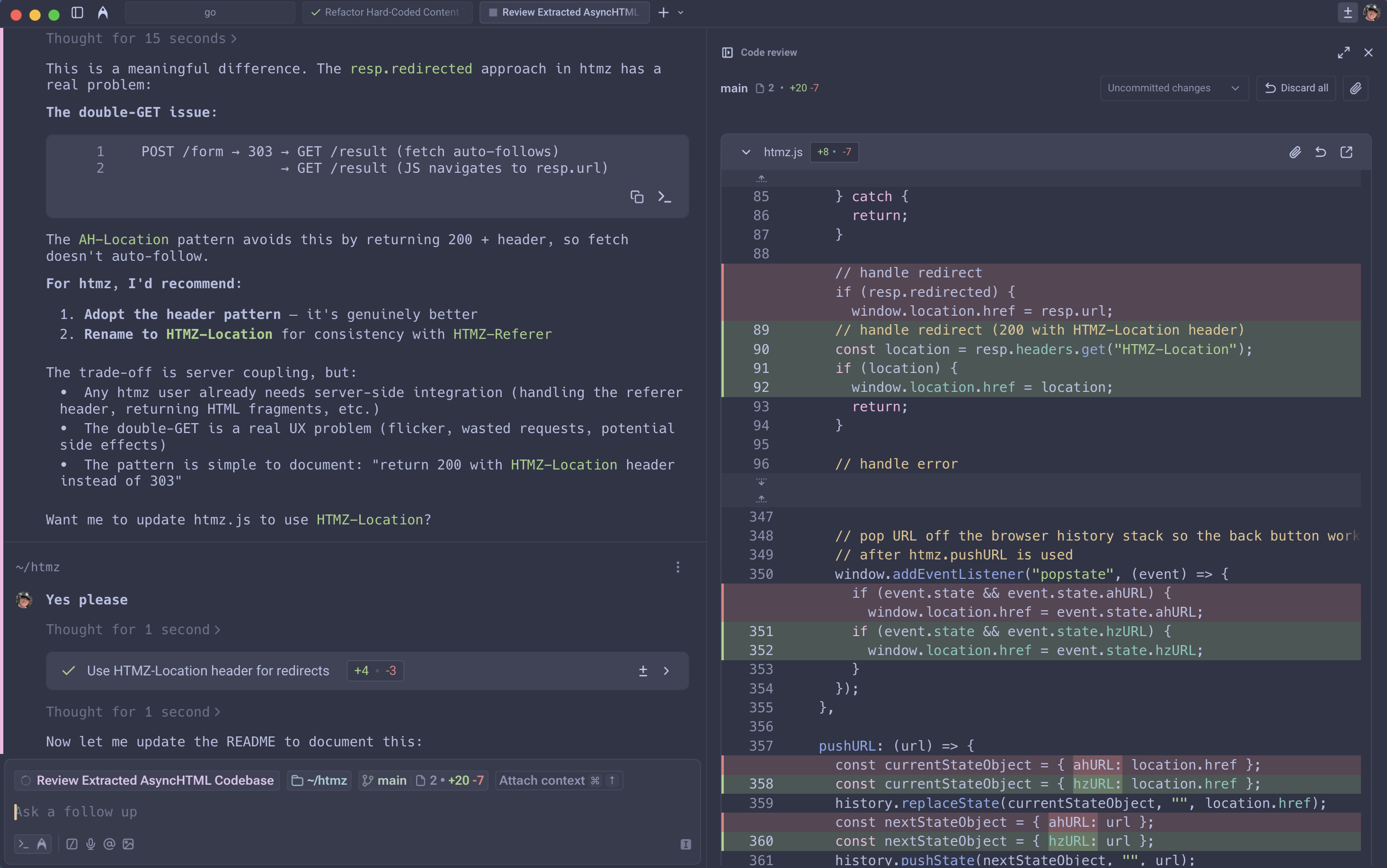
Harness
A CLI like Claude Code limits me. Warp does these better:
- Reviewing diffs inline to accept or reject hunks.
- Tracking an agent's active task lists.
- Interleaving prompts and normal shell commands.
- Dragging screenshots into prompts.
- Speaking prompts via voice.
Model router
A custom router picks the model by task complexity: a cheap model for easy tasks and a stronger model for hard ones. I do not choose one per prompt.
Mine routes easy tasks to the latest Gemini Flash and hard tasks to the latest Claude Opus. When one provider goes down, the router moves to the closest model from another provider. I keep one router as my default and swap models as better ones ship.
CI and code review
I replaced GitHub Pull Requests with cibot. When I review a teammate's change, I open a new Warp tab and:
cd "$(cibot checkout APP-1A)"This checks out the remote branch into a local git worktree.
I prompt the agent to review while I read the change in Warp's code review UI.
Then I post our feedback with cibot comment APP-1A.
See git / workflow.
AGENTS.md
We check AGENTS.md files into the repo. The root file covers architecture
and quick reference. A subdirectory file (db/AGENTS.md, ui/AGENTS.md)
holds the rules for that directory.
Useful sections:
- Quick reference. Runnable commands for common tasks like build, test, lint, and migrate.
- Safety rails. Explicit rules like "never commit secrets."
- Conditional checks. "Run X if Y files touched" to keep feedback fast.
- Style guides. Commit message conventions and naming patterns.
- Environment context. Available tools, port numbers, and file paths.